
Got the code? Welcome, builder!
You're heading into A Byte of Python & Turtle — instructors hand out the access code on day one.
You're heading into A Byte of Python & Turtle — instructors hand out the access code on day one.
Your square took eight lines of typing: four forwards, four lefts. A 12-sided shape would take 24. Programmers are gloriously lazy about this sort of thing. Any time you catch yourself copy-pasting the same block, the code is asking for a loop.
for Loopfor _ in range(4):
t.forward(100)
t.left(90)Same square, four fewer lines. The pieces:
range(4) produces four iterations (it counts 0, 1, 2, 3).for line is mandatory. Forget it and you get SyntaxError: expected ':'._ is the convention for a loop variable you don't use. Write for i in range(n): when you need the counter.sides = 6
side_length = 80
for _ in range(sides):
t.forward(side_length)
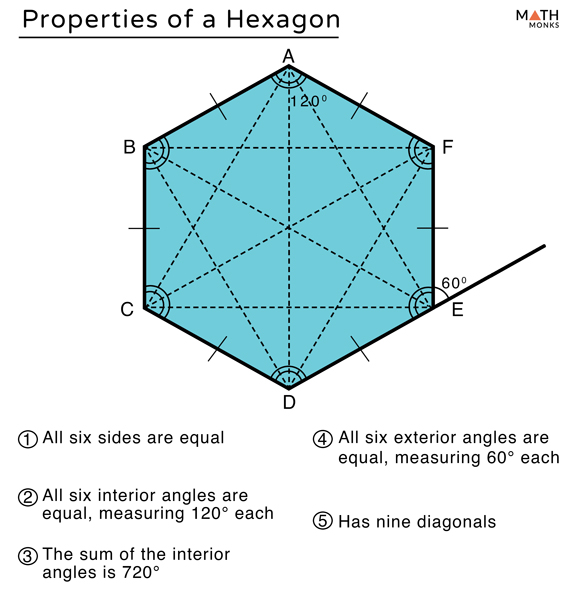
t.left(360 / sides)A variable is a named container for a value. Change sides = 6 to sides = 3 and every place that uses sides updates. One edit, whole program. This loop now draws any regular polygon; the variables are the knobs.
Now, here's a question I love asking: what happens if you draw the polygon 12 times, rotating slightly between each? Have a guess before you run it. Really, guess.
repetitions = 12
sides = 5
side_length = 80

for i in range(repetitions):
    for _ in range(sides):          # inner loop: draw one polygon
        t.forward(side_length)
        t.left(360 / sides)
    t.left(360 / repetitions)       # outer loop: rotate before the next one
Twelve pentagons, each rotated 30° from the last, stack into a radially symmetric pattern: a mandala (Sanskrit for "circle"). Complicated-looking patterns come out of simple repeated rules all the time. That little surprise is the entire basis of generative art.
Pick one parameter and push it; hold the others constant:
sides only. Find a unit shape you like. (sides = 2 makes a line pattern. Try it.)repetitions only. Same shape, more or less crowding. (Stay under ~30 for now, since big values render slowly.)side_length only. Same density, different motif size.When you land on a combination you like, record it in a comment:
# I liked: repetitions=18, sides=7, side_length=60| Symptom | Fix |
|---|---|
IndentationError |
Mixed tabs and spaces — render whitespace and make it consistent |
| Loop runs but draws once | The body isn't indented, so it runs after the loop instead of inside it |
| Mandala is lopsided | A hard-coded 360 / 12 somewhere instead of 360 / repetitions |
| Program hangs | repetitions = 1000 genuinely takes that long for now — stay in the 12–30 range |
360 × 3 / 7 ≈ 154.3° per step, seven steps. Work out why.side_length grow by 2 each pass of the inner loop, and the polygon unwinds.side_length each round, for a layered composition.t.color(COLOURS[i % 3]) inside the outer loop, cycling a list of three colours.